
Built for aviation photographers
Your aviation photos.
Automatically sorted.
Import your entire shoot. AirDex suggests the aircraft, groups your photos and lets you check and change the results before exporting everything into organised folders.
- Import
- Identify
- Sort
- Export
- Log
01 /Import & identify
From memory card to sorted folders.
Point it at a folder and press Organise and identify. The app reads every photo, suggests the aircraft in each, and groups them for you to check.
- Suggests, you confirm
- Works with RAW & JPEG
- Originals never moved or changed
03 /All aviation
For every type of aviation photography.
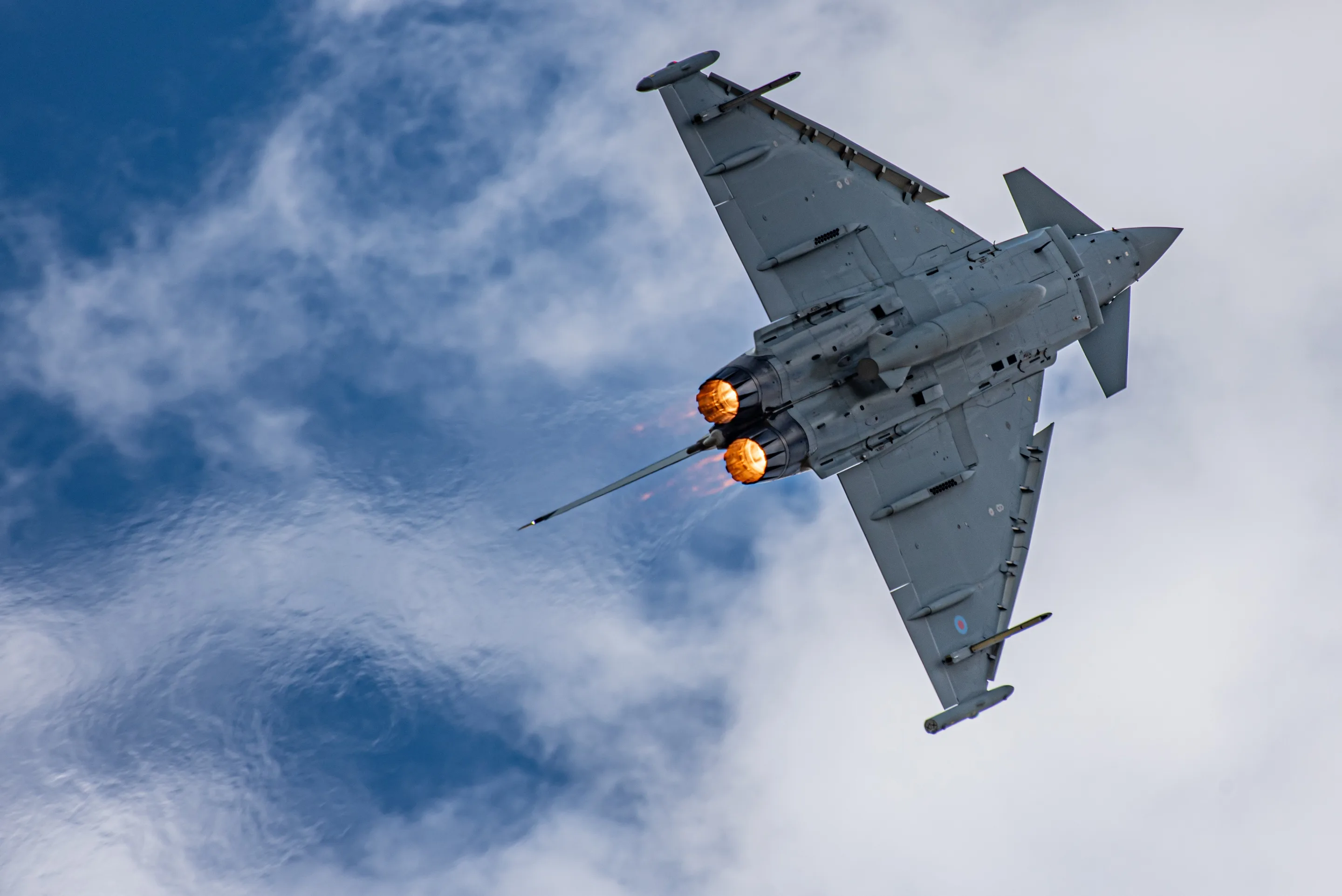
From fast jets to airliners, helicopters to historic aircraft, at airshows, airports and airfields.
- Military
- Commercial
- Helicopters
- General aviation
- Historic
- Display teams
Credits
How Credits will work
1 photo organised = 1 Credit. A photo uses a Credit once, the first time it's identified. Re-opening a shoot, fixing names, marking Keep or Bin and exporting never use Credits.
AirDex is in private beta. Pricing will be announced before launch.
FAQ
Hours of sorting after every airshow. Instead of going through a whole shoot photo by photo, you import it once and it comes back grouped by aircraft: each exact airframe, type and display team in its own group. You check the groups, then export everything into a folder per aircraft in one go.
Your originals never leave your computer. The app only reads them; it never moves, changes or deletes them, and export makes copies. To show and identify your photos, it saves smaller preview copies with location and camera details removed, kept private to your account.
It reads each photo and suggests the aircraft's type, registration or serial, operator and display team, then groups photos of the same aircraft together. It's built for aviation, so it's designed to tell a type from an exact airframe, and it treats display teams as teams. If it can't read a registration, it's built to say so rather than guess. It won't always be right, so check the names.
You have the final say: the app suggests, you confirm. Tap any name to fix it, and merge, split or move photos between groups. Nothing is exported or added to your Hangar until you've confirmed it. Mistakes are most likely with unusual aircraft, odd angles, distant shots and partly hidden registrations, so those are worth a second look.
For you, yes: every fix you make is remembered for your account, so the same correction is applied in your future shoots. It doesn't learn automatically from other people's photos. Wider improvements come from careful testing and the feedback photographers send.
They're kept safely together as "Unidentified aircraft" rather than given a made-up name, ready for you to name in a tap. When you export, they go into their own "Needs Review" folder, and photos with no aircraft go into a separate "Non-Aircraft" folder.
Your personal record of every aircraft you've photographed. Add an aircraft from a shoot and it gets its own page, with every shoot you photographed it at, your photos of it, and when you first and last photographed it. It holds exact airframes, types and display teams, and you can search it.
Your photography year by year. Every shoot sits under its year, with its date, type and place, and you can pick a favourite photo for each year. Old scans without a date still have a place, with approximate dates or an "Undated" section.
All of it: military, airliners, general aviation, helicopters, historic aircraft and display teams, at airshows, airports and airfields.
Only identifying a new photo uses a Credit. Re-opening shoots, fixing names, Keep or Bin and exporting are always free. 1 Credit = 1 photo, used once, the first time it's identified. AirDex is in private beta. Pricing will be announced before launch.
JPEG, and RAW from Canon (CR2, CR3), Nikon (NEF), Sony (ARW), Fujifilm (RAF), Olympus / OM System (ORF), Panasonic (RW2), Pentax (PEF) and DNG. A RAW and its JPEG are kept together as one photo. TIFF scans and HEIC files are not supported yet. Importing works in most modern browsers; exporting into folders uses Google Chrome or Microsoft Edge on a computer.
Private beta
Ready to sort your next shoot?
AirDex is in a small private beta, invite only. Want to try it? Request access and tell us what you photograph.
- Your originals stay on your computer
- Made for aviation photographers
- Export needs Chrome or Edge on a computer
- Nothing final until you confirm
Questions, problems or feedback? Get in touch.